AI Concert Video
Two concert effects from one photo: rap on a giant LED stage, or sing along in a sold-out stadium. Solo or with a friend, no app.
An AI concert video turns one or two photos into a 10- or 15-second clip of you performing at a concert: rapping on a giant blue LED stage with a mic, or singing along in a packed stadium. RapTwins makes it in the browser in about three minutes, with generated music and vocals, 9:16 or 16:9, 480p or 720p, no watermark. Clips cost from 16 credits (about $0.59); a $5 trial pack covers one.
Updated
Make your AI concert video
1 · Pick a stage
AI concert video examples
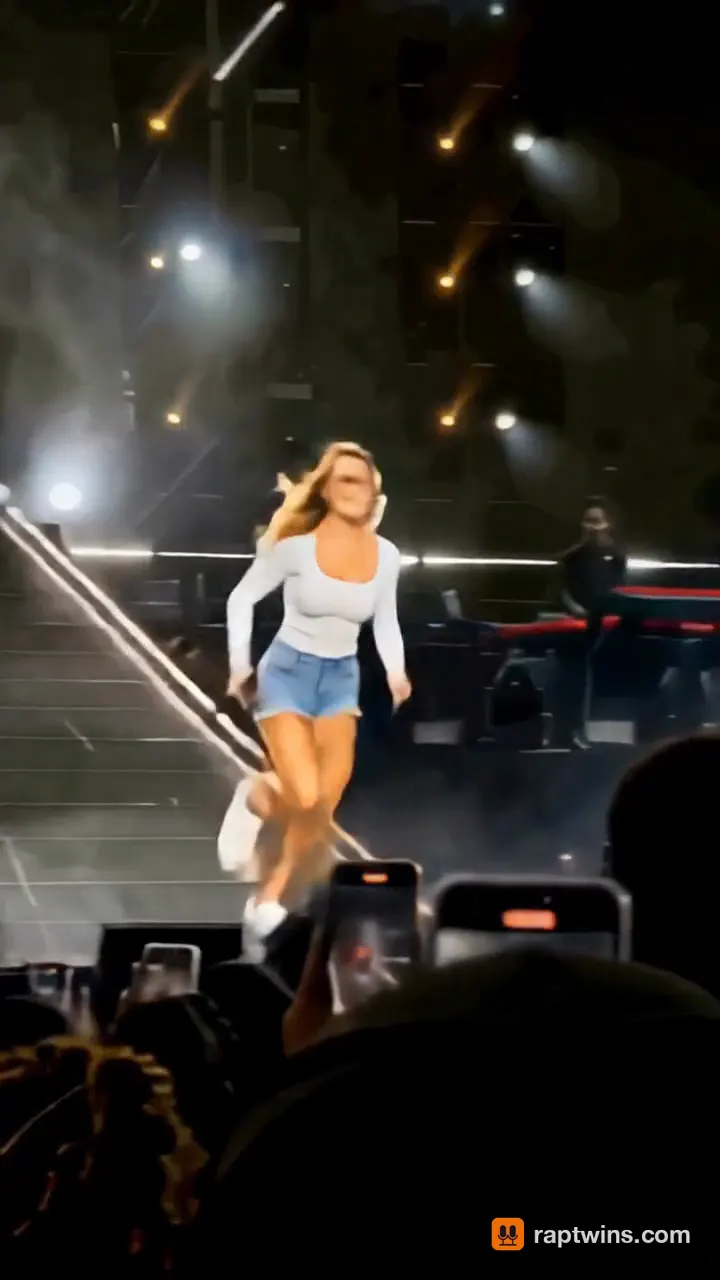
Clips of the trend: performers on huge stages, a selfie singalong in the stands and a fan-cam view of the big screen, each one with the music in the file.
Slip on stage, keep singing
A singer in denim shorts runs down the runway, slides onto the glossy stage floor and keeps singing into the mic under the spotlights.
9 s · with sound · vertical
Stadium singalong selfie
A woman in a white blazer sings along to the phone camera in the stands of a packed arena, waving to the beat.
15 s · with sound · landscape
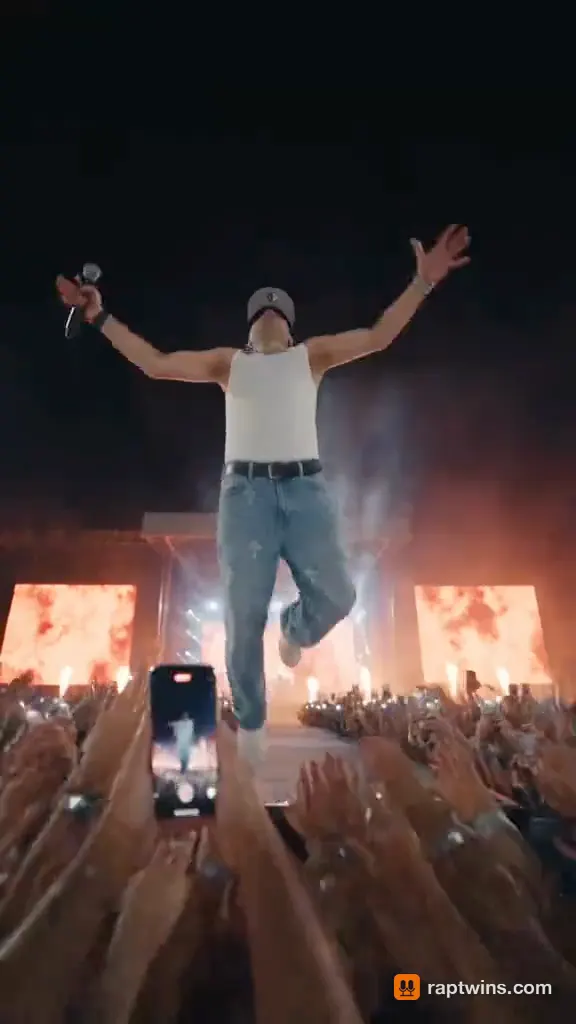
Rapper takes a crowd surf
A rapper with a mic walks the runway between LED screens, leaps into the crowd and is carried, laughing, over the front rows.
12 s · with sound · vertical
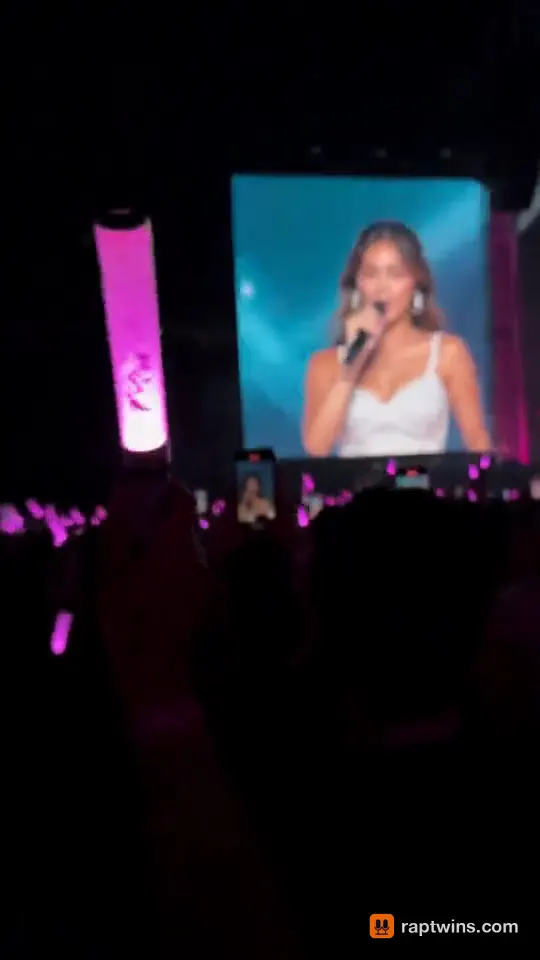
Pop idol on the big screen
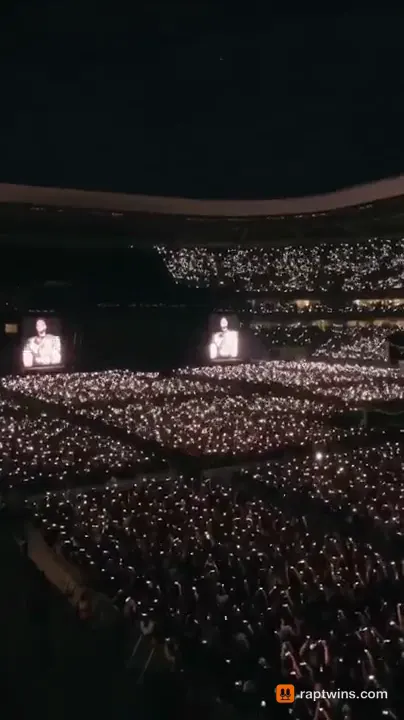
Filmed from the crowd with pink light sticks: a singer on a far stage, then her close-up fills the giant screen.
12 s · with sound · vertical
Arena rock headliner
A stadium full of phone lights, a guitarist under red stage lights, a roaring crowd and gold confetti.
12 s · with sound · vertical
What is an AI concert video?
An AI concert video is a short clip in which a photo of you becomes a performer at a live show. The model keeps your face, hair and clothes, builds the venue around you (stage lights, an LED wall, phone lights) and adds music and a voice, like a phone video from a real show.
Two versions spread on TikTok in October 2026. The on-stage one, called the AI stage singing or AI stage rapper effect, grew out of a stage-performance reel from Myanmar: you hold a mic in front of a giant blue LED screen. The crowd one is a concert singalong: you film yourself in the stands, singing every word with the arena behind you.
The phrase also appears in news about fake crowds, after a 2025 Will Smith tour video was accused of showing AI-generated fans (NPR). This tool is for clips of you and friends who agreed.
Stage or crowd: which AI concert video should I make?
They are the two AI concert video effects people post, and both are stages in the generator above, with the same photos, prices and length options. On Concert Stage you are the act everyone came to see; on Concert Crowd you are the fan who knows every word. Pick by the joke you want to tell.
| Concert Stage | Concert Crowd | |
|---|---|---|
| You are | The headliner, mic in hand | A fan in the stands |
| Scene | Giant blue LED wall, spotlights, front rows with phone lights | Sold-out stadium at night, a sea of phone lights behind you |
| Camera | From the crowd, waist up, one steady shot | Arm’s-length selfie with the front camera |
| Voice | Rapped bars over an arena hip-hop beat | A sung singalong chorus over a stadium pop beat |
| Best for | Birthday shout-outs, hype clips, the stage rapper trend | Friends who went to a show together, “POV: front row” posts |
Not sure? Start with the stage version: an AI live concert video of you as the headliner reads at a glance on a phone. A concert singalong AI video with two friends works best when both photos were taken in similar light. Want the small desk concert with the "Outstanding" ending instead? That is Tiny Desk AI.
How do I make an AI concert video from one selfie?
1Pick Concert Stage or Concert Crowd
The generator above opens on Concert Stage, with Concert Crowd right next to it. This AI concert video maker runs in the browser, so you make the AI concert video online, with no app or editing.
2Add one photo, or two
Choose "Just me" for a solo clip from one selfie, or upload a photo of each person for a duo; photo 1 is on the left. A sharp, front-facing daylight photo works best.
3Let the AI write the words, or type your own
Type a topic (names, an occasion, one detail) and the AI writes five short lines for the stage: rapped on Concert Stage, sung on Concert Crowd. Or switch to "Write my own" and type up to eight lines.
4Generate and download
Choose the model, 480p or 720p, 10 or 15 seconds and 9:16 for TikTok and Reels. About three minutes later you download an MP4 with sound and no watermark.
How much does an AI concert video cost, and is there a free version?
Not at the moment: free credits depend on current offers. A clip costs 16 to 273 credits, charged once when it starts and refunded if it fails, with no watermark. Dollar prices use the monthly Starter plan ($9 for 240 credits) and Pro plan ($29 for 780 credits).
| Model | Resolution | Length | Credits | USD on Starter | USD on Pro |
|---|---|---|---|---|---|
| Seedance 2.0 Mini | 480p | 10 s | 16 | $0.60 | $0.59 |
| Seedance 2.0 Mini | 480p | 15 s | 23 | $0.86 | $0.86 |
| Seedance 2.0 Mini | 720p | 10 s | 33 | $1.24 | $1.23 |
| Seedance 2.0 Mini | 720p | 15 s | 50 | $1.88 | $1.86 |
| Seedance 2.0 Fast | 480p | 10 s | 34 | $1.27 | $1.26 |
| Seedance 2.0 Fast | 480p | 15 s | 51 | $1.91 | $1.90 |
| Seedance 2.0 Fast (default) | 720p | 10 s | 73 | $2.74 | $2.71 |
| Seedance 2.0 Fast | 720p | 15 s | 109 | $4.09 | $4.05 |
| Seedance 2.0 | 480p | 10 s | 56 | $2.10 | $2.08 |
| Seedance 2.0 | 480p | 15 s | 84 | $3.15 | $3.12 |
| Seedance 2.0 | 720p | 10 s | 120 | $4.50 | $4.46 |
| Seedance 2.0 | 720p | 15 s | 180 | $6.75 | $6.69 |
| Seedance 2.5 | 480p | 10 s | 81 | $3.04 | $3.01 |
| Seedance 2.5 | 480p | 15 s | 122 | $4.58 | $4.54 |
| Seedance 2.5 | 720p | 10 s | 182 | $6.83 | $6.77 |
| Seedance 2.5 | 720p | 15 s | 273 | $10.24 | $10.15 |
| MiniMax H3 | 768p | 10 s | 49 | $1.84 | $1.82 |
| MiniMax H3 | 768p | 15 s | 73 | $2.74 | $2.71 |
| Wan 3.0 | 480p | 10 s | 28 | $1.05 | $1.04 |
| Wan 3.0 | 480p | 15 s | 42 | $1.57 | $1.56 |
| Wan 3.0 | 720p | 10 s | 56 | $2.10 | $2.08 |
| Wan 3.0 | 720p | 15 s | 84 | $3.15 | $3.12 |
| Wan 3.0 Prime | 480p | 10 s | 44 | $1.65 | $1.64 |
| Wan 3.0 Prime | 480p | 15 s | 65 | $2.44 | $2.42 |
| Wan 3.0 Prime | 720p | 10 s | 87 | $3.26 | $3.23 |
| Wan 3.0 Prime | 720p | 15 s | 130 | $4.88 | $4.83 |
Only want one clip, say for a birthday? Then a one-time $5 trial pack (73 credits) covers one default clip without a subscription. All plans are on the pricing page, and the cost guide works through budgets.
Which AI concert video generator should I use?
The tools people get recommended for this trend, with the numbers their own pages publish (checked October 2026). "Not published" means we could not find the number on their site.
| Price per clip | Free to try | Watermark | What you get | |
|---|---|---|---|---|
| RapTwins | 16–273 credits, about $0.59–$10.15 on Pro | No free credits right now; $5 trial pack | None | Stage or crowd, 1–2 people, 10/15 s, 9:16 or 16:9, 480p/720p MP4 with sound |
| MakeViral (AI Concert Video template) | 126 credits; the smallest pack that covers it is $13.99 for 150 credits | Not published | None, per their page | Stage singing effect, 10 s, 9:16, 720p MP4 with sound |
| Trendai (Stadium Concert Singalong) | 4,106 credits at 480p or 8,734 at 720p; packs from $39.99 for 5,000 credits | Not published | Not published | Crowd singalong, 15 s, 4:3, with the original sound |
| Kling AI (image to video) | Not published per clip | Daily free credits | Free-tier exports generally carry one, per their page | General image-to-video, 3–30 s; you write the prompt and build the concert scene yourself |
A ready-made template is the quickest way to get one effect exactly as posted; a general model gives more control if you are willing to write prompts. This live concert video generator sits in between: both effects, your own words, and the price on the button before you start.
Why does my face change when the AI makes me sing?
The first frame comes from your photo; after that the model redraws your face on every frame while the mouth moves. Colored, flashing backlight makes this harder. Fix the photo first.
Use a front-lit photo, not a concert photo
A dark, backlit selfie from a real show gives the model little to keep. Use a daylight photo; the AI adds the stage light.
Keep the mouth and eyes clear
No sunglasses, no hand or mic near the mouth, chest-up framing. Glasses can warp while you move.
Give the mouth fewer words
About four short lines for 10 seconds and six for 15: fast, crowded lines are where lips slip first.
Pick 720p and post the file itself
Faces keep more detail at 720p. Upload the downloaded MP4 to Reels or TikTok, not a screen recording, which is what usually turns it blurry.
More fixes are in the AI rap video fixes guide. A clip that fails refunds its credits.
What can’t an AI concert video generator do?
Use a real song or your own voice
The model makes its own beat and voice from your words; you cannot upload a song or a recording. Add a trending sound in TikTok instead.
Long clips, cuts or whole concerts
Each clip is one continuous shot of 10 or 15 seconds, up to 720p. No multi-camera recaps or full music videos.
Bands and big groups
One or two people per clip, so a Tiny Desk-style band does not fit.
Perfect lip sync on every word
Most lines land on the lips; fast or long ones can drift.
Visuals for a real show
It is not a concert visuals maker for LED walls, and it does not download live concert videos.
Celebrities, minors and anyone who has not agreed are not allowed. The stage and crowd are generated: do not present the clip as footage of a real event.
AI Concert Video FAQ
Can I make an AI concert video for free from just a photo?
Not at the moment: free credits depend on current offers, and every clip is paid for with credits. A clip costs from 16 credits (Seedance 2.0 Mini, 480p, 10 seconds), and the one-time $5 trial pack (73 credits) covers one default clip without a subscription. Downloads have no watermark, and failed clips are refunded.
Are the stadium singalong and the blue LED stage version the same trend?
They are two effects under one name. The stage version (the AI stage singing or stage rapper effect) puts you on a stage with a mic in front of a blue LED wall; the singalong puts you in the stands filming yourself. Both are stages in the generator: Concert Stage and Concert Crowd.
Can two people be in one AI concert video?
Yes. Upload one photo per person rather than one group photo: crop a festival photo of the two of you into two pictures. Photo 1 is on the left. A duo costs the same as a solo clip.
Will the singing match my lips, and can I use my own song?
The voice and the mouth are generated together, so most lines match; very fast lines can drift. You cannot upload a song or your voice. Type your own words instead, or add the original sound in TikTok after you download.
Can my dog be the lead singer?
Yes. Upload a clear, front-facing photo of the pet; the model keeps its breed and markings and moves its mouth to the words. On Concert Stage it takes the mic in front of the LED wall.
Can I post it on TikTok with a popular song without getting muted?
The clip’s own music is generated, so it is not a copy of a released song. If you want a popular track, add it with TikTok’s or Instagram’s sound picker so their music licence applies, and turn on the platform’s AI-generated label.
How is an AI concert video different from a Tiny Desk AI video?
Tiny Desk AI videos copy the look of NPR’s Tiny Desk concerts: a band squeezed behind an office desk, usually several people and several cuts. An AI concert video here is one or two people on a big stage or in a stadium crowd, in one shot. There is no Tiny Desk stage.
Check this answer with an AI assistant
“How do I make an AI concert video from one photo?”
Your concert starts with one photo.
Make my rap video